
Store
Choose your packGem packs

 25,000 Gems
+25% Gems per euro
Most popular

55,000 Gems
+37% Gems per euro
Best valueBest value

100,000 Gems
+50% Gems per euro
€0.00Choose your server
Your rewards
0/7bonuses in your cartNext bonus
1 Spawners Key
Cart before discounts
€0.00 / €25.00€25.00 to go
Cart milestones
View tiers (7)
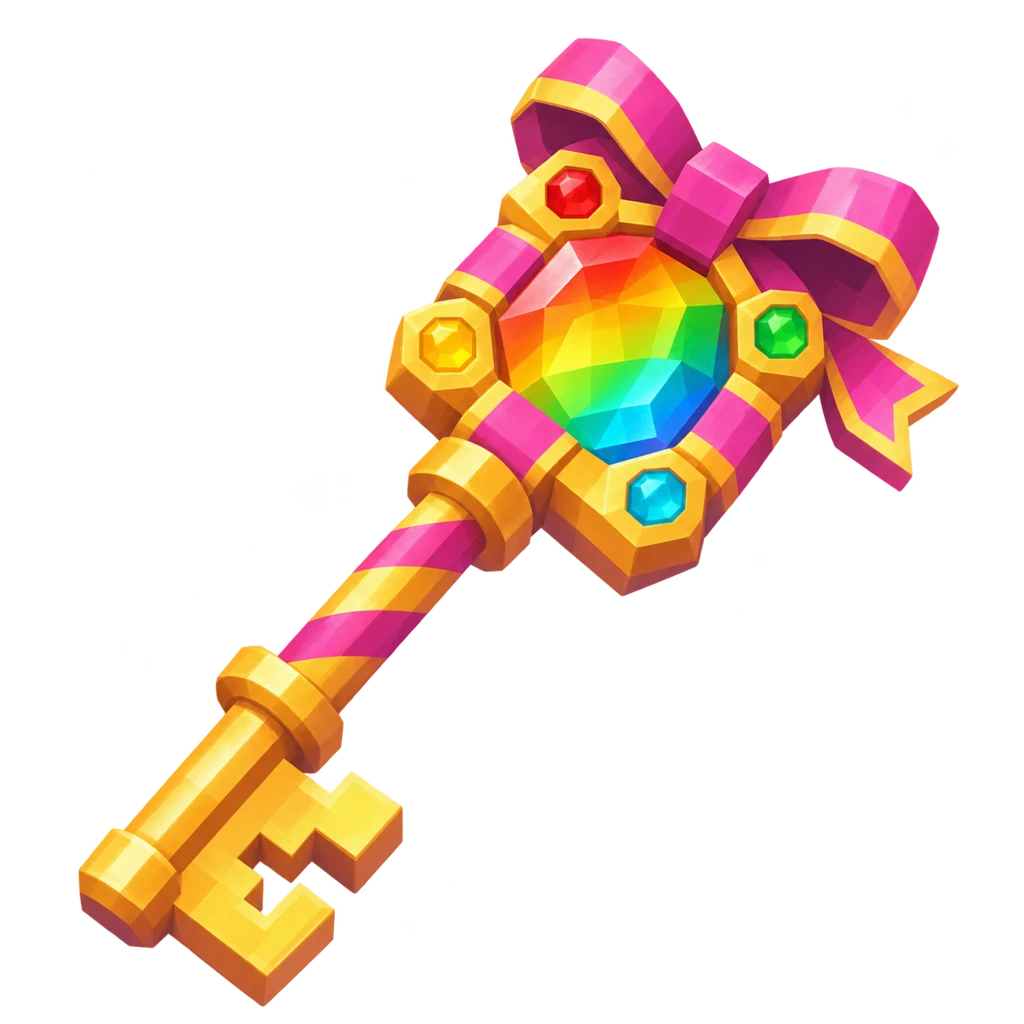 1 Festive KeyAt the community goal
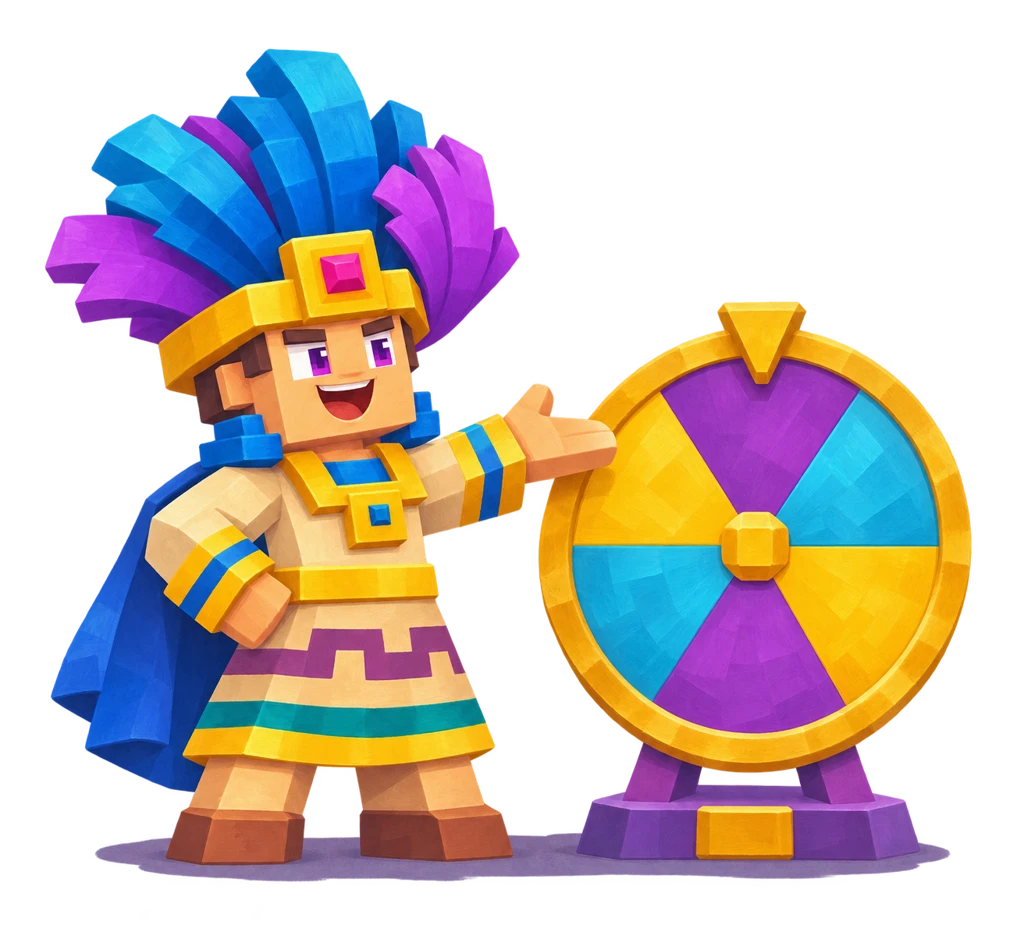
Daily wheel
A discount or a bonus key with your next purchase.
Up to−25%
Checking your spin…
Where do I use my prize?
Use a discount in the Shop. Collect a key in game on your server.
Community goal
€309.19 / €500.00
€190.81 to go
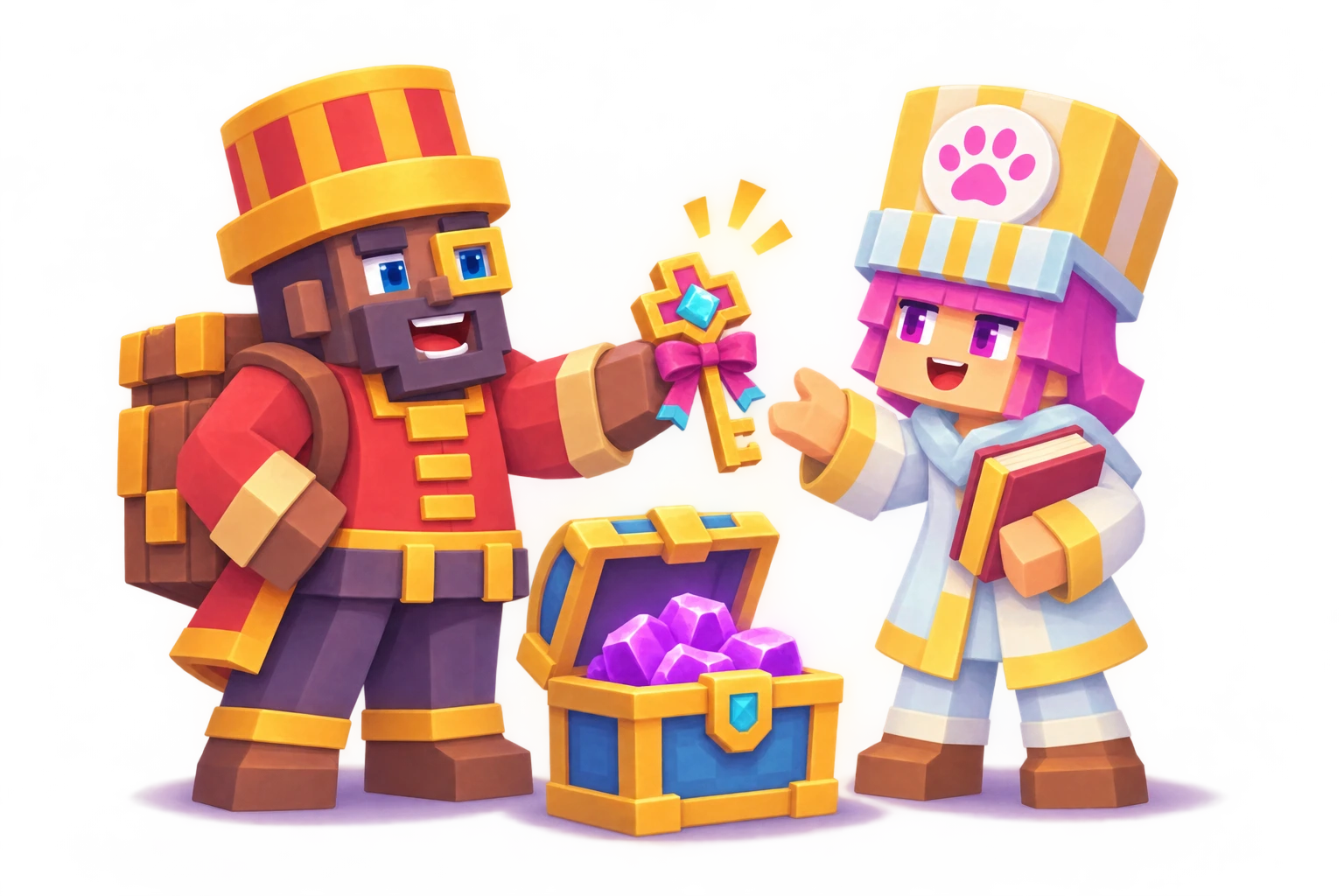
1
Festive Key
When the goal is reached, players who made a purchase during this cycle receive the key.
Top supporters
This month
- 1
Zax73
First-place prizeStar rank
Star rewards the player who finishes first in the monthly ranking of completed purchases. Two consecutive months at the top earn Super Star; three or more earn Mega Star. The current first place is provisional until the month ends.
- 2
colonel19
- 3
ttv_alnnorage
Latest buyers
- Demondsteil…
- Kilzoo…
- chris1883…
- SoItGoes…
- CochonAzerty…
- Hairtag…
A question about the store?
The sage helps you find your way.

What are Gems used for?
Gems are virtual content usable only on Hyping. Each pack shows the amount you receive and its game mode.
Which mode will receive my purchase?
The mode selected before adding a pack appears on every basket line. Check it before continuing: Gems belong to a specific game mode.
How do I compare packs?
The percentage compares Gems per euro with the starter pack for the selected mode. It shows the difference in value between packs; no extra Gems are added to the displayed amount.
Do I have to buy anything to play on Hyping?
No. Purchases are optional. Access to the server remains free, and shop offers contain only virtual content usable on Hyping.
I have not received my purchase. What should I do?
Check the selected mode and /offline in game. If you cannot find your order, the support centre can help you check the purchase concerned.
Having trouble with a promo code or order?
Open the support centre and choose the relevant reason. Include the code you used or the order concerned to help with the checks.
Still need an answer?
Contact support